Skip to content
  • Home
  • Computers and Servers
  • XR
  • AI and Agents
  • Mobile and wearable devices

VR

Mastering Your Meta Quest 3 & 3S: Hidden Features and Pro Tips

April 6, 2026 by vgoodslab
Mastering Your Meta Quest 3 & 3S: Hidden Features and Pro Tips

Whether you just picked up the flagship Quest 3 or the more budget-friendly Quest 3S, this guide will turn you from a novice into a power user in under 30 minutes. All steps below are tested on v83+ firmware and organized by frequency of use. Let’s dive in.

Read more

Categories XR Tags Homelab, Meta Quest 3, Meta Quest 3S, Tech Tips, VR Leave a comment

How to Easily Fix Meta Quest 3 Stick Drift

April 5, 2026 by vgoodslab
How to Easily Fix Meta Quest 3 Stick Drift

Stop dealing with annoying Meta Quest 3 stick drift. Follow this simple guide to calibrate your controllers and adjust the dead zones in a few easy steps.

Categories XR Tags Controller Drift, Gaming Hardware, Meta Quest 3, Troubleshooting, VR Leave a comment

How to Sideload Apps on Meta Quest Without Developer Mode: A Simple Guide

April 4, 2026 by vgoodslab
How to Sideload Apps on Meta Quest Without Developer Mode: A Simple Guide

Learn how to sideload apps and APKs onto your Meta Quest headset without using a PC or Developer Mode. A simple, step-by-step guide for all users.

Categories XR Tags Android, Homelab, Meta Quest, Sideloading, VR Leave a comment

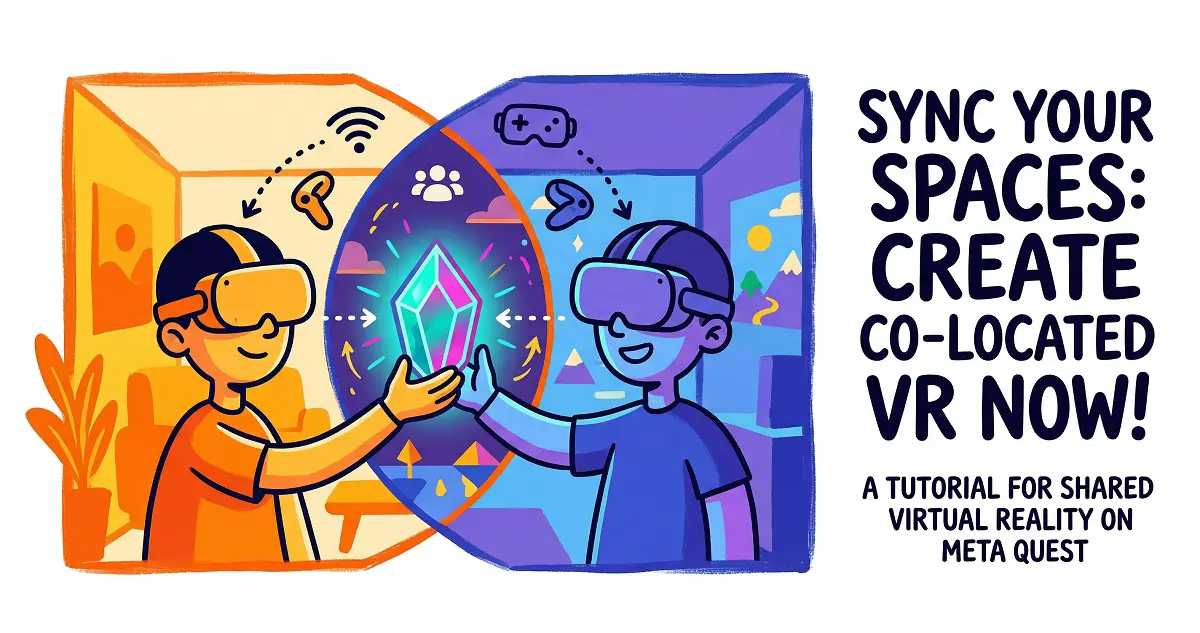
Co-Location Tutorial: How to Set Up Shared Virtual Spaces on Meta Quest
April 2, 2026 by vgoodslab
Co-Location Tutorial: How to Set Up Shared Virtual Spaces on Meta Quest

Learn how to set up Meta Quest co-location to share virtual spaces with friends in the same room. Follow our step-by-step guide for a seamless VR experience.

Categories XR Tags Co-location, Homelab, Meta Quest, Multiplayer VR, VR Leave a comment

PCVR Streaming Showdown: How to Play PC Games on Your Quest (Steam Link vs. Air Link vs. Virtual Desktop)

March 31, 2026 by vgoodslab
PCVR Streaming Showdown: How to Play PC Games on Your Quest (Steam Link vs. Air Link vs. Virtual Desktop)

Compare Steam Link, Air Link, and Virtual Desktop. Find the best way to stream PCVR games to your Meta Quest for an immersive, lag-free gaming experience.

Categories XR Tags Gaming, Meta Quest, PCVR, Streaming, VR Leave a comment

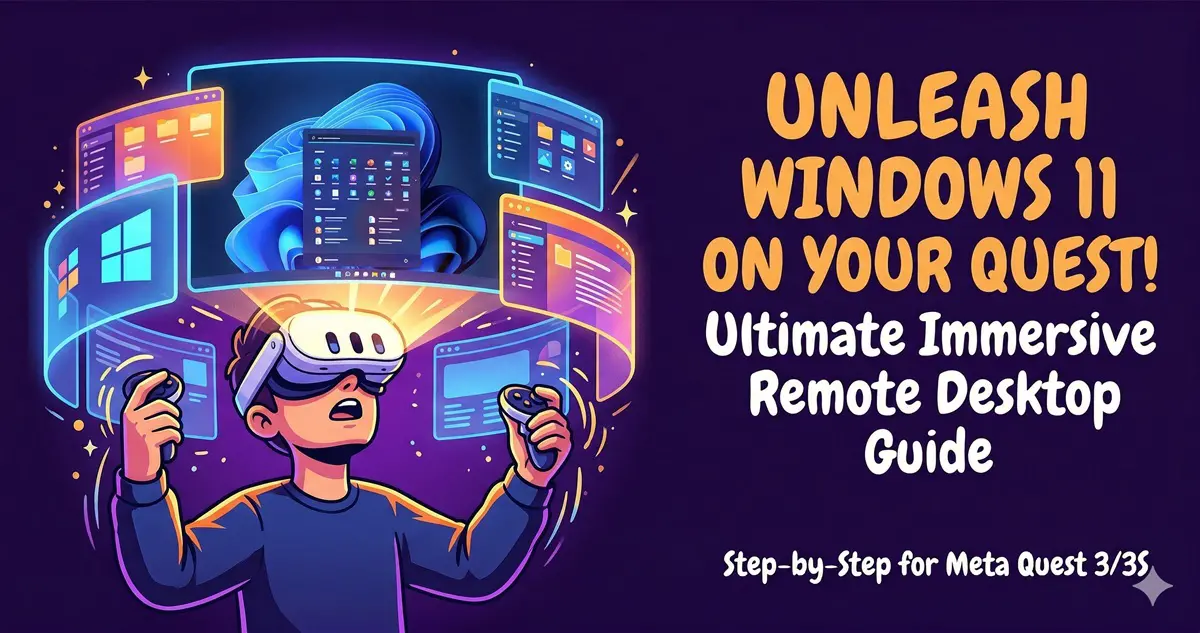
How to Experience an Immersive Windows 11 Remote Desktop on Meta Quest 3/3S
March 30, 2026 by vgoodslab
How to Experience an Immersive Windows 11 Remote Desktop on Meta Quest 3/3S

Transform your workspace with Meta Quest 3/3S and Windows 11. Follow our step-by-step guide to setting up an immersive virtual remote desktop today.

Categories XR Tags Meta Quest 3, Mixed Reality, Remote Desktop, VR, Windows 11 Leave a comment

Manually Updating Meta Quest 3 Firmware Using the Official Meta Tool

March 29, 2026 by vgoodslab
Manually Updating Meta Quest 3 Firmware Using the Official Meta Tool

Stuck on an old firmware version? Learn how to manually update your Meta Quest 3 using the official Meta web tool without losing your data.

Categories XR Tags Firmware Update, Meta Quest, Sideloading, Tech Tutorial, VR Leave a comment

How to Boost Visual Quality on Your Meta Quest VR Headset

March 29, 2026 by vgoodslab
How to Boost Visual Quality on Your Meta Quest VR Headset

Discover how to improve your Meta Quest VR graphics quality using SideQuest and Quest Games Optimizer for a sharper, more immersive gaming experience.

Categories XR Tags Meta Quest, Quest Games Optimizer, SideQuest, Virtual Reality, VR Leave a comment

Unlock the Future: A Hands-On Guide to Meta AI on Your Meta Quest

March 29, 2026 by vgoodslab
Unlock the Future: A Hands-On Guide to Meta AI on Your Meta Quest

Discover how to enable and use Meta AI on your Quest headset. A simple, step-by-step guide to voice controls, system integration, and privacy settings.

Categories XR Tags AI Assistant, Meta Quest, Tech Tutorial, Virtual Reality, VR Leave a comment

How to Install the Oculus PC Client on a Custom Drive

March 23, 2026 by vgoodslab
Oculus PC Client

Stop cluttering your primary SSD! Learn how to force the Oculus PC client to install on a secondary drive using a simple command-line workaround.

Categories XR Tags Oculus, PC Gaming, Storage Management, VR, Windows Tips Leave a comment
Older posts
Page1 Page2 Next →

Recent Posts

  • How to Clean Install NVIDIA 596.49 Drivers: Stop Driver Bloat and Stabilize Your FPS
  • Stop Reinstalling Windows! 9 Built-in CMD Commands to Fix Crashes, Lag, and Network Issues
  • Sulphur 2 Local Deployment Guide: Run Uncensored AI Video Models on 8GB VRAM (Text-to-Video & Image-to-Video)
  • Mastering Gemma 4 with LM Studio: Run AI Locally, Privately, and for Free (2026 Guide)
  • Unlock Your Quest 3 / 3S Potential: The Ultimate PCVR Tuning Guide
  • AI and Agents
  • Computers and Servers
  • Mobile and wearable devices
  • XR
  • About
  • Privacy Policy
  • Terms and Conditions
© 2026 • Built with GeneratePress