This article is compiled based on the official AXRB README and documentation (v1.0.4, released October 6, 2026). Always check the latest official documentation before diving in.
In a nutshell: AXRB is an experimental Windows compatibility layer that lets you play Meta Quest exclusive titles (such as Batman: Arkham Shadow or Asgard’s Wrath 2) right on your PC. It leverages your dedicated GPU for maximum-power rendering and bridges the video output directly into SteamVR for your PCVR headset.
The Pain Point: Great Games Trapped on Standalone Headsets
The Quest standalone ecosystem has accumulated some incredible AAA exclusives over the years, but they all share one major drawback: they are locked to Quest’s mobile architecture. Games the scale of Asgard’s Wrath 2 are notoriously heavy for a standalone chipset to push. If you’re rocking an RTX 4070 or 4080 in your rig, it’s painful to watch these titles suffer from downscaled resolutions and dropped frames on mobile hardware.
Historically, the solution has been cloud or PC streaming—sending your PC’s video output to the headset. However, that workflow assumes a “native PC VR game.” Since Quest exclusives aren’t natively on Steam, traditional streaming methods won’t help you here.
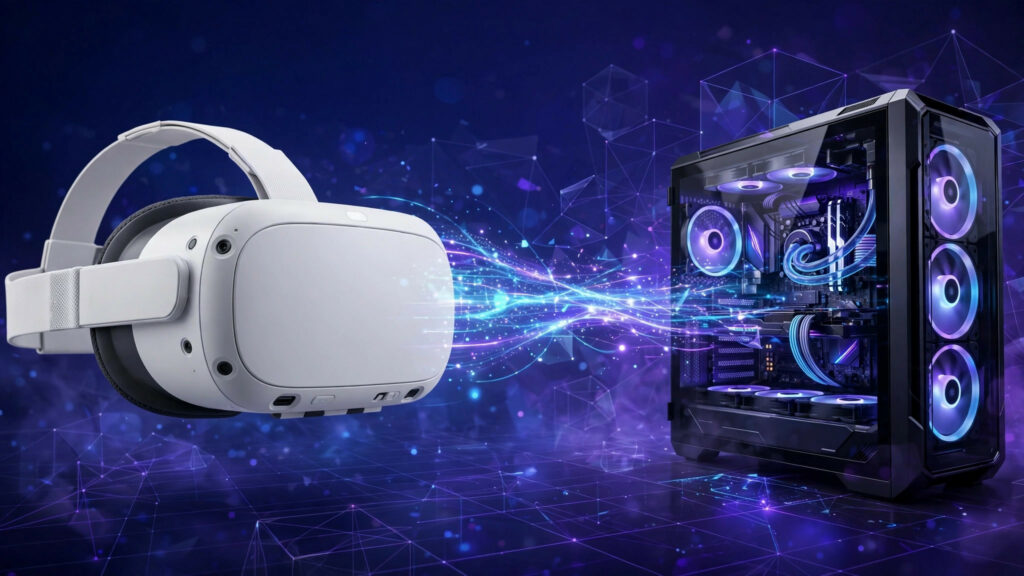
AXRB flips the script: Since these games are built for Android, it sets up an Android environment directly inside Windows capable of running Quest apps. Rendering is offloaded to your local GPU, and the final frame buffer is handed off to SteamVR. Think of it as a specialized translator paired with a heavy-duty eGPU for your Quest library.
How It Works: Emulator + Translator + GPU Passthrough
The official README maps out the system architecture clearly. The data pipeline looks like this:
Quest Game APK (Android Application)
  → AXRB's bundled Android 16 emulator (Hardware-accelerated x86_64 image)
  → ARM64 translator (Translating ARM-based Quest code to x86 inside the emulator)
  → Native GPU rendering (GLES / Vulkan, bypassing software rendering)
  → Frames transmitted to Windows via shared GPU textures
→ Host Bridge submits frames to SteamVR → Output to your PCVR headsetHeadset and controller telemetry are piped back into the emulator in reverse, meaning when you turn your head or wave a controller in real life, the game registers your movements accordingly.
A few key takeaways:
- It’s not streaming or modding: The developers emphasize “no or minimal modifications to the original Android builds.” The game binaries remain untouched; it’s the execution environment that changes.
- Built-in storefront launcher integration: The AXRB Windows launcher connects to your Meta account, lets you search the Quest store, syncs your purchased game library, and downloads APKs, split APKs, OBBs, and DLCs directly. Alternatively, you can import existing local APKs.
- Reasonable account security: Meta logins are handled through Meta’s native authentication window, meaning AXRB never has access to your password. In non-portable mode, session tokens are securely stored in Windows Credential Manager.
Back in mid-September, a developer posted a demo on X showcasing the Quest version of Pinball FX VR hitting a staggering 4K per eye at 120 FPS using this setup—specs that are utterly impossible on native Quest hardware. Of course, your mileage will vary depending on your specific GPU and title.
System Requirements: A Steep Barrier to Entry
Let’s check the official minimum requirements against your current rig:
- OS: Windows x64 (Windows only; Linux + Wine is explicitly unsupported, as confirmed by GitHub issues)
- GPU: Dedicated AMD or NVIDIA graphics card (integrated graphics need not apply)
- RAM: At least 12GB
- VR Environment: A desktop OpenXR runtime like SteamVR, plus a PCVR headset
- Virtualization: Windows Hypervisor Platform must be enabled (the app checks and prompts you on first run; AMD users must also enable SVM in the BIOS)
- Game Ownership: Legally owned Quest games + a valid Meta account to log in with
Translation: This tool is built specifically for enthusiasts who already own a gaming PC, a PCVR headset, and have previously purchased Quest games. If you’re missing even one of these pieces, hold off on tinkering for now.
Getting Started: A 4-Step Guide (Based on Official Docs)
1. Download the Installer Package
Head over to the GitHub repository Android-XR-Bridge/AXRB releases page and grab the latest version (v1.0.4 at the time of writing, released Oct 6, 2026). Note that there is no setup wizard: simply download AXRB-Setup-1.0.4.exe and run it. Launcher configurations are saved under %APPDATA%/AXRB.
2. First-Run Setup: Installing the Android Runtime
The initial launch will perform a few sanity checks: verifying if the Hypervisor is enabled (and telling you how to fix it if it isn’t), prompting you to accept the license agreement, and downloading the locked-down Android 16 runtime components. You’ll need to allocate a drive and specify a size for the Android virtual disk—since Quest games easily span dozens of gigabytes, make sure you leave plenty of breathing room.
3. Log Into Your Meta Account and Sync Your Library
The launcher includes a storefront entry point. Clicking login triggers a native Meta sign-in prompt (keeping your credentials safe from AXRB). Once logged in, it syncs your purchased games library. Downloads support resume capabilities along with SHA-256 verification. You can also sideload local APKs, split APKs, or ZIP bundles manually.
4. Launching a Game
Select a game in the launcher and hit play. It will spin up the emulator, install the package, and pipe the rendered frames into SteamVR via the Host Bridge. The launcher also features an FPS HUD and a desktop preview window so you can monitor performance in real time.
Full setup video walkthroughs are already popping up on YouTube (search for “Play Meta Quest Exclusives on PCVR – Full Setup Tutorial!”), and the official AXRB Discord community is active if you run into snags.
Troubleshooting & Common Pitfalls
These are real-world issues pulled straight from the GitHub issue tracker:
- Stuck on “Preparing Android” / Hypervisor Errors: The most common roadblock. Double-check that both “Virtual Machine Platform” and “Windows Hypervisor Platform” are enabled in Windows Features. AMD users must also verify that SVM is turned on in their motherboard BIOS. Merely enabling it in Windows while leaving it disabled in the BIOS will still cause errors.
- Games Crashing on the AXRB Logo: Titles like Resident Evil 4 VR and Arkham Shadow have reported issues—some throwing SIGILL errors, others resulting in frozen controllers. Game compatibility is a work-in-progress on a title-by-title basis; universal compatibility doesn’t exist yet.
- Downloads Failing from the Meta Store: If downloads fail, check your account region and network connection first, then inspect the full logs via the launcher’s bottom debug panel (which also includes a one-click diagnostic bundle exporter).
- ARM Translation Crashes: Errors like
libndk_translation.sothrowing a SIGSEGV typically indicate that a game’s native libraries aren’t playing nice with the translation layer. You’ll have to wait for an update or try a different title. - Controllers Not Recognized: Some Steam Frame controller inputs have reported failures, and temporary workarounds for frozen controller bugs in specific games can be tracked via ongoing issues.
- Don’t Ask for a Linux Build: The developers have explicitly stated they are targeting Windows only, and the app will fail to install under Wine.
- Keep your expectations in check: this is an experimental project, and a growing list of open issues indicates it’s very much in a “fix-as-you-go” phase.
- Limitations & Who Should Avoid This
- Experimental, Not a Finished Product: The devs explicitly state that this is “not a replacement for Quest OS.” Games heavily reliant on proprietary Quest platform services, native hand-tracking, or protected media pipelines may fail to run or behave erratically.
- Per-Game Compatibility Verification: The official repo even documents testing logs for Assassin’s Creed Nexus—concluding that while it boots into the OpenXR session, frame submission fails and the Vulkan device is lost, meaning it doesn’t actually run. This level of honesty is refreshing: don’t expect your entire library to work out of the box.
- Legitimate Ownership Required: AXRB does not ship with any games or provide download links. As the disclaimer clearly states: it is strictly intended for applications you legally own. The project does not endorse piracy or DRM circumvention.
- Complex Licensing: Note that the project utilizes a mixed source-available licensing model. While new contributions are source-available (you can view code, but distributing modified versions requires special permission), only the launcher itself falls under the GPL. Review the LICENSE file if this matters to you.
- Who is this NOT for? Anyone without a PCVR headset, anyone using integrated graphics or thin-and-light laptops, anyone who hasn’t bought Quest games, and anyone expecting a plug-and-play experience. If you fall into any of these buckets, trying this now will only lead to frustration.
Is It Worth Trying?
If you fit the target demographic—you have a capable gaming rig, a PCVR headset, and a handful of unfinished Quest exclusives sitting in your Meta library—AXRB is definitely worth a test drive. Experiencing Asgard’s Wrath 2 at 4K per eye and 120 FPS is something you could never dream of on native Quest hardware, and that is its true killer feature.
However, don’t treat it like a productivity tool just yet. This is a young project that only created its repository in June and pushed v1.0.4 in early October (sitting at 266 stars), meaning compatibility is still climbing uphill. My recommendation: Start by testing the one or two exclusives you’re dying to replay, and expand your library once you get those running smoothly. The issue tracker and Discord server will be your best friends.
For alternative tinkering workflows, check out UEVR, which flips the script by converting flat Unreal Engine games into VR (tutorials are available on our site). If you’re still figuring out how to connect your Quest headset to a PC, you might also want to look over our ultimate PCVR visual optimization guide and our Air Link vs. Steam Link vs. Virtual Desktop vs. ALVR comparison and setup tutorial.
Project Info: Android-XR-Bridge/AXRB (by Feli Reintgen) | v1.0.4 (2026-10-06) | Experimental Project | Legally owned Quest games required