NVIDIA App Tuning Guide: Maximize FPS and Optimize Your Gaming PC
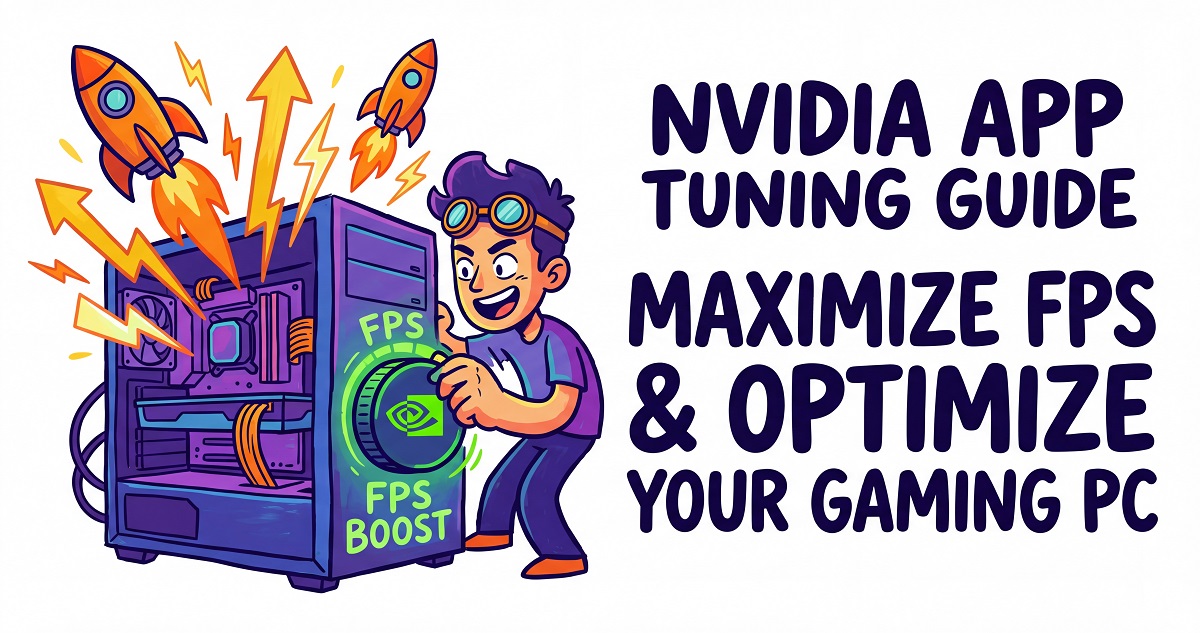
Unlock your GPU’s full potential. Follow our step-by-step guide to configuring the new NVIDIA app for better FPS, reduced latency, and a smoother gaming experience.
Unlock your GPU’s full potential. Follow our step-by-step guide to configuring the new NVIDIA app for better FPS, reduced latency, and a smoother gaming experience.
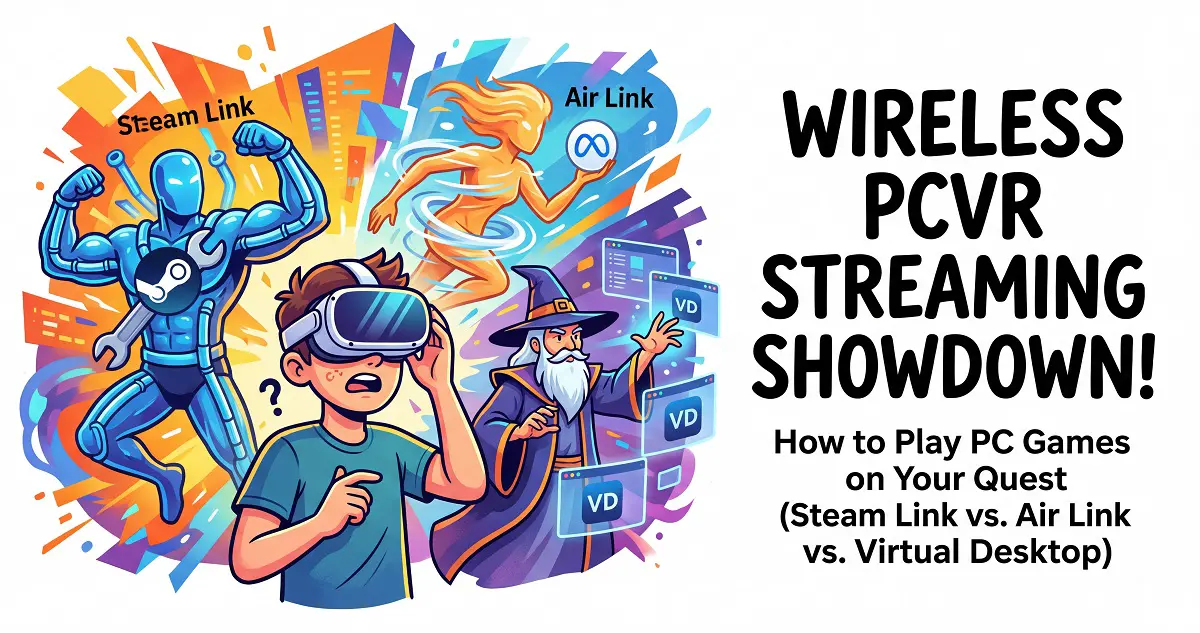
Compare Steam Link, Air Link, and Virtual Desktop. Find the best way to stream PCVR games to your Meta Quest for an immersive, lag-free gaming experience.
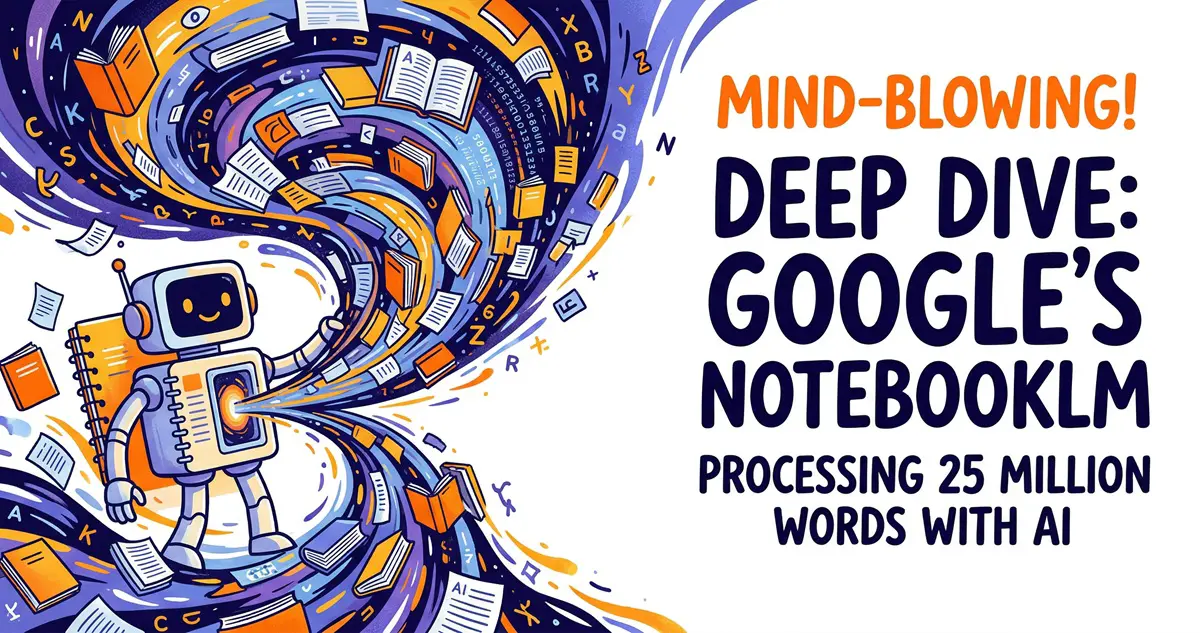
Master your documents with Google’s NotebookLM. Learn how this powerful AI tool processes up to 25 million words to help you study, work, and organize data.
Transform your workspace with Meta Quest 3/3S and Windows 11. Follow our step-by-step guide to setting up an immersive virtual remote desktop today.
Need to disable your laptop’s built-in keyboard? Learn how to do it safely using a simple Windows command-line trick or third-party tools.
Stuck on an old firmware version? Learn how to manually update your Meta Quest 3 using the official Meta web tool without losing your data.

Discover how to improve your Meta Quest VR graphics quality using SideQuest and Quest Games Optimizer for a sharper, more immersive gaming experience.
Discover how to enable and use Meta AI on your Quest headset. A simple, step-by-step guide to voice controls, system integration, and privacy settings.
Learn how to build your own AI digital twin using Flux and LoRa on Replicate. Create custom professional photos and cinematic scenes in minutes!
Ready to dive into AI face swapping? Learn how to install and master Deep Live Cam for real-time, high-quality video transformations in our step-by-step guide.