Skip to content
  • Home
  • Computers and Servers
  • XR
  • AI and Agents
  • Mobile and wearable devices

Computers and Servers

Deep dives into Computers and Servers, focusing on self-hosting, virtualization, and server hardware. Master your home lab with our guides on Dell R730, J1900, and system optimization.

Supercharge Your Old PC for the AI Era: Running Stable Diffusion on Google Colab

March 24, 2026 by vgoodslab
Stable Diffusion on Google Colab

Don’t let aging hardware stop you from exploring AI art. Learn how to run Stable Diffusion for free using Google Colab’s cloud computing power.

Categories Computers and Servers Tags AI Art, Cloud Computing, Google Colab, Stable Diffusion Leave a comment

How to Join and Leave a Domain in Windows 10

March 23, 2026 by vgoodslab
Domain in Windows 10

Need to connect your Windows 10 workstation to a corporate network? Learn the step-by-step process for joining and leaving an Active Directory domain.

Categories Computers and Servers Tags Active Directory, Homelab, IT Administration, Networking, Windows 10 Leave a comment

Microsoft Math Solver: A Powerful, Free Tool for Crunching Numbers

March 23, 2026 by vgoodslab
Microsoft Math Solver

Struggling with complex equations? Microsoft Math Solver is a free, powerful, and ad-free tool that uses AI to provide instant, step-by-step solutions to everything from algebra to calculus.

Categories Computers and Servers Tags AI Tools, Educational Tech, Math Solver, Microsoft, Productivity Leave a comment

A Hands-On Guide: Migrating Your WordPress Site and Changing Domains

March 23, 2026 by vgoodslab
Migrating Your WordPress Site and Changing Domains

Ditch the port-heavy URLs and move to a cleaner setup. Learn how to manually migrate your WordPress site and update your domain with this step-by-step guide.
Categories Computers and Servers Tags Homelab, Migration, MySQL, Web Development, WordPress Leave a comment

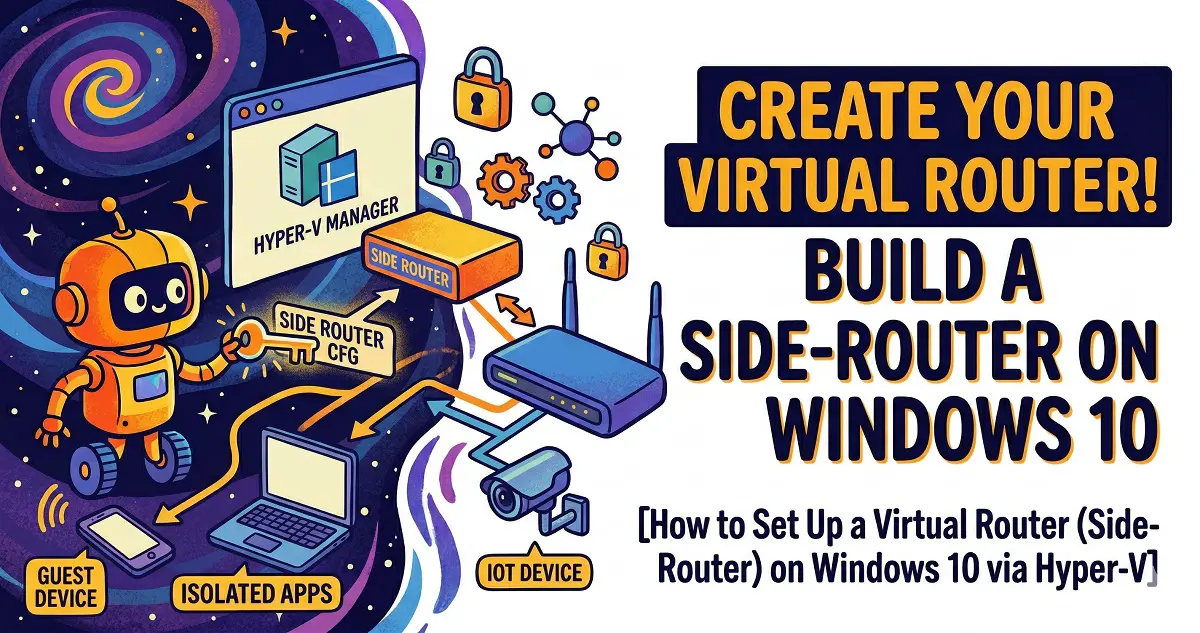
Setting Up a Virtual Router (Side-Router) on Windows 10 via Hyper-V

March 23, 2026 by vgoodslab
Setting Up a Virtual Router

Unlock advanced networking capabilities by running a OpenWrt side-router directly on your Windows 10 PC using Hyper-V. Follow this step-by-step guide to virtualization, configuration, and optimization.

Categories Computers and Servers Tags Homelab, Hyper-V, Networking, OpenWrt, Virtualization Leave a comment
Newer posts
← Previous Page1 … Page5 Page6

Recent Posts

  • Self-Hosting RustDesk with Docker: The Ultimate Guide from OpenWrt Port Forwarding to Headless VM Optimization
  • Self-Hosting Cap on Synology NAS: A Complete Deployment Guide for the Open-Source Loom Alternative (with Local AI Integration)
  • Mastering Local AI: Dockerizing Prompt Optimizer with llama.cpp on Your Homelab
  • The Ultimate Local LLM Deployment Guide: From Bare Metal Builds to Polished AI Powerhouses
  • Building a Fully Automated Cross-Border E-commerce Product Sourcing and Listing System: n8n, AI, and Google Sheets — A Pitfall Survival Guide
  • AI and Agents
  • Computers and Servers
  • Mobile and wearable devices
  • XR
  • About
  • Privacy Policy
  • Terms and Conditions
© 2026 • Built with GeneratePress