Skip to content
  • Home
  • Computers and Servers
  • XR
  • AI and Agents
  • Mobile and wearable devices

Hyper-V

Setting Up a Virtual Router (Side-Router) on Windows 10 via Hyper-V
March 23, 2026 by vgoodslab
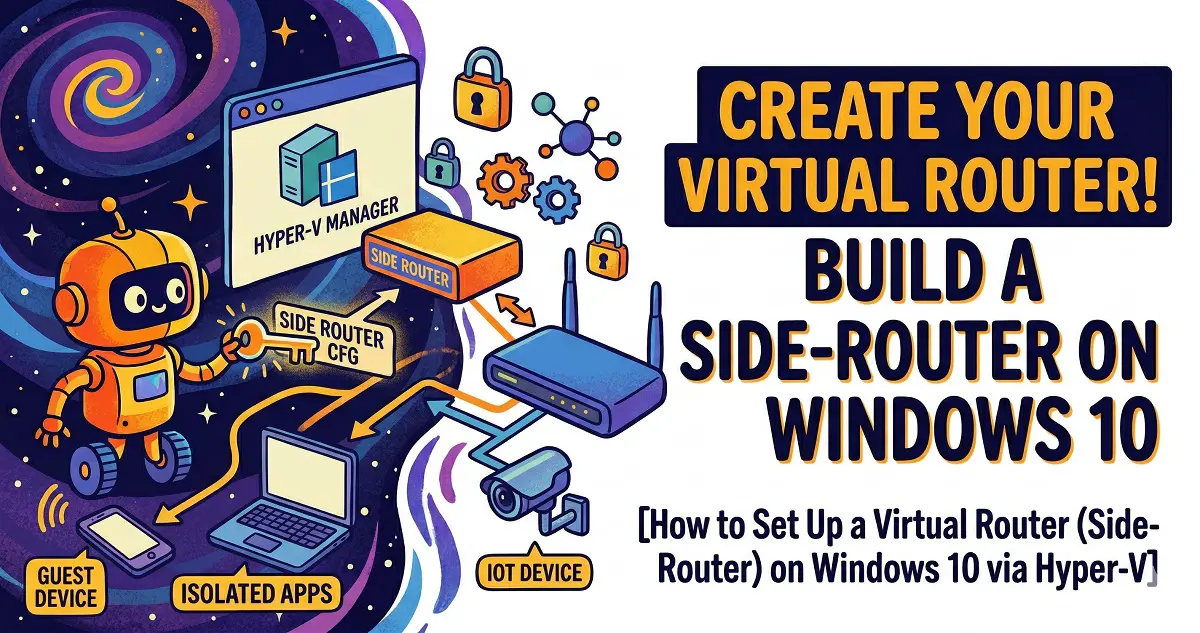
Setting Up a Virtual Router

Unlock advanced networking capabilities by running a OpenWrt side-router directly on your Windows 10 PC using Hyper-V. Follow this step-by-step guide to virtualization, configuration, and optimization.

Categories Computers and Servers Tags Homelab, Hyper-V, Networking, OpenWrt, Virtualization Leave a comment

Recent Posts

  • How to Clean Install NVIDIA 596.49 Drivers: Stop Driver Bloat and Stabilize Your FPS
  • Stop Reinstalling Windows! 9 Built-in CMD Commands to Fix Crashes, Lag, and Network Issues
  • Sulphur 2 Local Deployment Guide: Run Uncensored AI Video Models on 8GB VRAM (Text-to-Video & Image-to-Video)
  • Mastering Gemma 4 with LM Studio: Run AI Locally, Privately, and for Free (2026 Guide)
  • Unlock Your Quest 3 / 3S Potential: The Ultimate PCVR Tuning Guide
  • AI and Agents
  • Computers and Servers
  • Mobile and wearable devices
  • XR
  • About
  • Privacy Policy
  • Terms and Conditions
© 2026 • Built with GeneratePress