Skip to content
  • Home
  • Computers and Servers
  • XR
  • AI and Agents
  • Mobile and wearable devices

AI Deployment

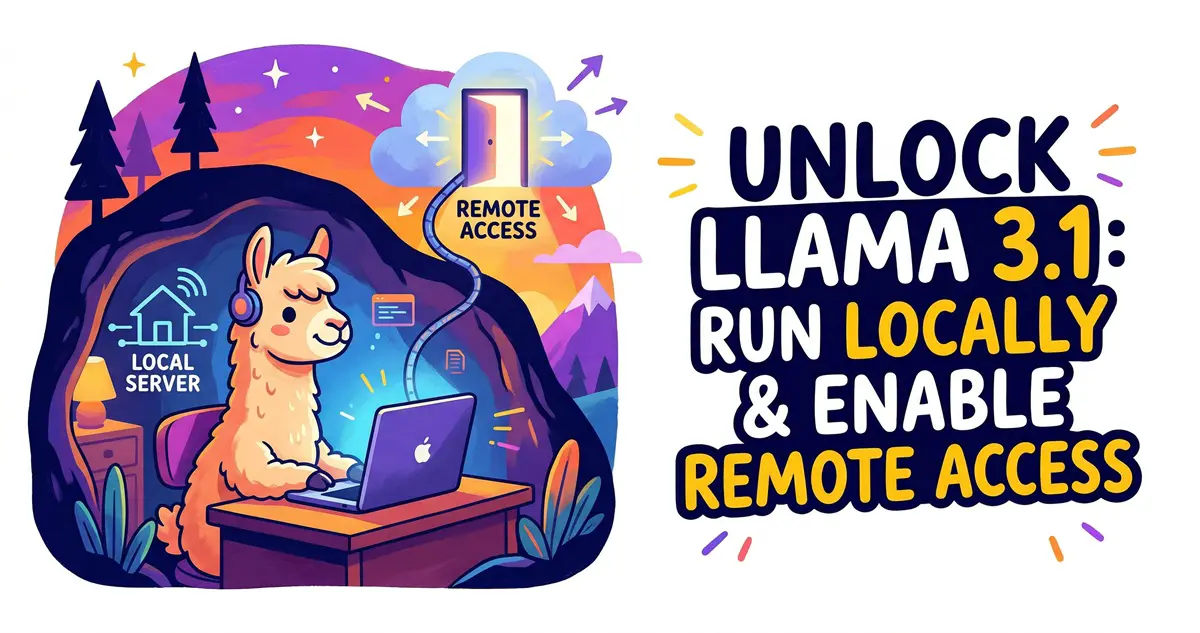
How to Run Llama 3.1 Locally and Enable Remote Access
March 27, 2026 by vgoodslab
How to Run Llama 3.1 Locally and Enable Remote Access

Learn how to deploy Meta’s Llama 3.1 locally using Ollama and configure remote access for a web-based AI experience on your own homelab server.

Categories AI and Agents Tags AI Deployment, Homelab, Llama 3.1, Local AI, Ollama Leave a comment

Recent Posts

  • Forget USBs! Install Windows 11/10 Over Your Network with Serva (PXE Boot Guide)
  • How to Clean Install NVIDIA 596.49 Drivers: Stop Driver Bloat and Stabilize Your FPS
  • Stop Reinstalling Windows! 9 Built-in CMD Commands to Fix Crashes, Lag, and Network Issues
  • Sulphur 2 Local Deployment Guide: Run Uncensored AI Video Models on 8GB VRAM (Text-to-Video & Image-to-Video)
  • Mastering Gemma 4 with LM Studio: Run AI Locally, Privately, and for Free (2026 Guide)
  • AI and Agents
  • Computers and Servers
  • Mobile and wearable devices
  • XR
  • About
  • Privacy Policy
  • Terms and Conditions
© 2026 • Built with GeneratePress