
Skip to content
  • Home
  • Computers and Servers
  • XR
  • AI and Agents

Computers and Servers

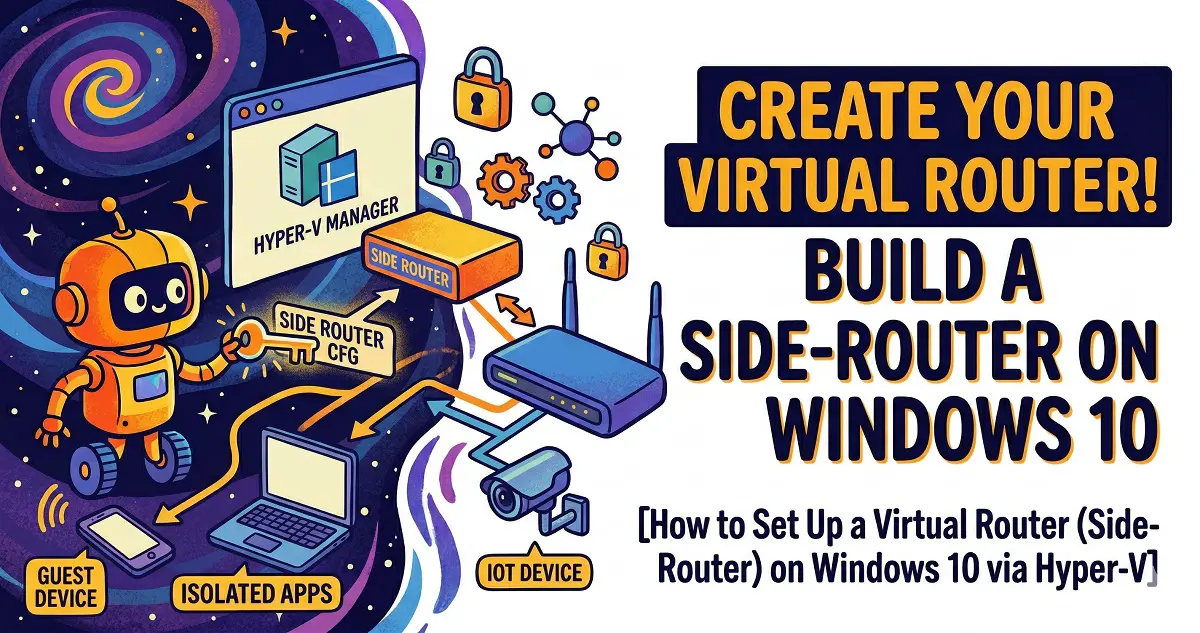
Setting Up a Virtual Router (Side-Router) on Windows 10 via Hyper-V
March 23, 2026 by vgoodslab
Setting Up a Virtual Router

Unlock advanced networking capabilities by running a OpenWrt side-router directly on your Windows 10 PC using Hyper-V. Follow this step-by-step guide to virtualization, configuration, and optimization.

Categories Computers and Servers Tags Homelab, Hyper-V, Networking, OpenWrt, Virtualization Leave a comment
Newer posts
← Previous Page1 … Page3 Page4

Recent Posts

  • Is DLSS 4.5 a Flop? RTX 30 and 20 Series Users, Read This Before Updating!
  • Speed Up Your Aging PC in 2026: 8 Zero-Cost Tips to Bring It Back to Life
  • The Ultimate Quest PCVR Guide for 2025: Air Link vs. Steam Link vs. Virtual Desktop vs. ALVR
  • Stop the Struggle: The Easiest Way to Host a Minecraft Server for Your Kids Using Docker
  • The Ultimate iPhone ‘Senior Mode’ Setup Guide: From Data Migration to Mistouch Prevention
  • AI and Agents
  • Computers and Servers
  • Uncategorized
  • XR
  • About
  • Privacy Policy
  • Terms and Conditions
© 2026 • Built with GeneratePress