Skip to content
  • Home
  • Computers and Servers
  • XR
  • AI and Agents

ADB

How to Install and Sideload APKs on Windows 11 Using the Windows Subsystem for Android (WSA)
March 25, 2026 by vgoodslab
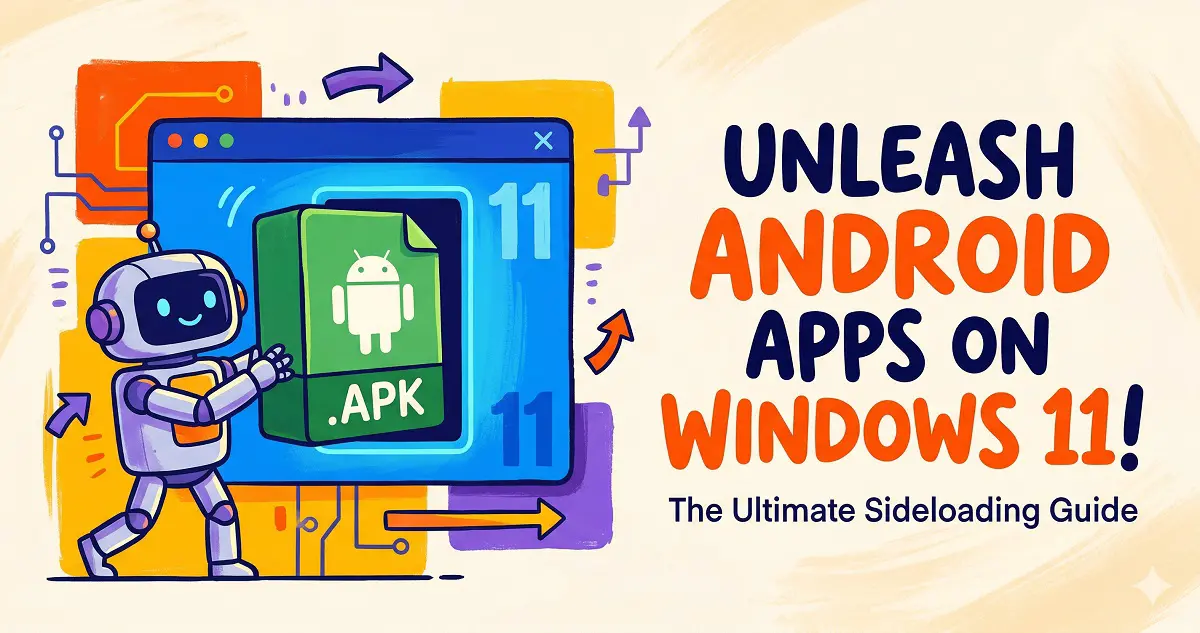
Install and Sideload APKs on Windows 11

Learn how to enable Windows Subsystem for Android (WSA) on Windows 11 and easily sideload your favorite Android APK apps using ADB commands.

Categories Computers and Servers Tags ADB, Android, Homelab, Windows 11, WSA Leave a comment

Recent Posts

  • Is DLSS 4.5 a Flop? RTX 30 and 20 Series Users, Read This Before Updating!
  • Speed Up Your Aging PC in 2026: 8 Zero-Cost Tips to Bring It Back to Life
  • The Ultimate Quest PCVR Guide for 2025: Air Link vs. Steam Link vs. Virtual Desktop vs. ALVR
  • Stop the Struggle: The Easiest Way to Host a Minecraft Server for Your Kids Using Docker
  • The Ultimate iPhone ‘Senior Mode’ Setup Guide: From Data Migration to Mistouch Prevention
  • AI and Agents
  • Computers and Servers
  • Uncategorized
  • XR
  • About
  • Privacy Policy
  • Terms and Conditions
© 2026 • Built with GeneratePress