Skip to content

VGoods Lab

  • Home
  • Computers and Servers
  • XR
  • AI and Agents
  • Mobile and wearable devices
  • FlashNote AI

3 Simple Ways to Bypass the Mandatory Microsoft Account in Windows 11 (23H2 Support)
October 17, 2026March 26, 2026 by vgoodslab
Microsoft Account in Windows 11

Tired of the forced Microsoft Account during Windows 11 installation? Here are 3 proven methods to bypass it and set up a local account instead.
Categories Computers and Servers Tags Local Account, Microsoft Account, Tech Tips, Windows 11 Leave a comment

Mastering Windows Sandbox: The Ultimate Tool for Safe Software Testing

October 31, 2026March 26, 2026 by vgoodslab
Mastering Windows Sandbox: The Ultimate Tool for Safe Software Testing

Test new software safely with Windows Sandbox. Learn how to set up this lightweight, isolated environment to keep your host system secure from potential threats.
Categories Computers and Servers Tags Cybersecurity, Homelab, Software Testing, Virtualization, Windows Sandbox Leave a comment

Upgrading Xpenology from 6.1.7 to 7.2: A Step-by-Step Guide

March 26, 2026 by vgoodslab
Upgrading Xpenology from 6.1.7 to 7.2

Upgrading Xpenology from 6.1.7 to 7.2? Learn how to safely migrate your NAS, update Docker, and handle common pitfalls in this comprehensive step-by-step guide.
Categories Computers and Servers Tags Docker, DSM 7.2, Homelab, NAS, Xpenology Leave a comment

Deploying LobeHub: A High-Performance, Open-Source AI Assistant on Synology Docker

October 28, 2026March 26, 2026 by vgoodslab
A High-Performance, Open-Source AI Assistant on Synology Docker

Learn how to deploy LobeChat, a high-performance, open-source AI chatbot, on your Synology NAS using Docker. Step-by-step tutorial for your homelab.
Categories AI and Agents Tags AI, Docker, Homelab, LobeChat, Synology Leave a comment

A Free, Lightweight, and Powerful Tool for Recovering Deleted or Formatted Files

March 25, 2026 by vgoodslab
A Free, Lightweight, and Powerful Tool for Recovering Deleted or Formatted Files

Lost important data? Check out this free, lightweight, and powerful file recovery tool perfect for restoring deleted or formatted files on Windows.
Categories Computers and Servers Tags Data Recovery, Tech Tips, Windows Utilities Leave a comment

How to Train Your Own Voice Model Using So-VITS-SVC: A Practical Guide

March 25, 2026 by vgoodslab
How to Train Your Own Voice Model Using So-VITS-SVC: A Practical Guide

Learn how to train your own high-quality AI voice model using So-VITS-SVC. Follow this step-by-step guide for data processing, GPU training, and inference.
Categories AI and Agents Tags AI Voice, Audio Processing, Deep Learning, Homelab, So-VITS-SVC Leave a comment

How to Install and Sideload APKs on Windows 11 Using the Windows Subsystem for Android (WSA)

October 17, 2026March 25, 2026 by vgoodslab
Install and Sideload APKs on Windows 11

Learn how to enable Windows Subsystem for Android (WSA) on Windows 11 and easily sideload your favorite Android APK apps using ADB commands.
Categories Computers and Servers Tags ADB, Android, Homelab, Windows 11, WSA Leave a comment

Installing Xpenology DSM 7.1 on Standard PC Hardware: The Easiest Method

March 24, 2026 by vgoodslab
Learn the easiest way to install Xpenology DSM 7.1 on your own

Learn the easiest way to install Xpenology DSM 7.1 on your own hardware using the ARPL loader. A step-by-step guide for homelab enthusiasts.
Categories Computers and Servers Tags Docker, Homelab, NAS, Synology, Xpenology Leave a comment

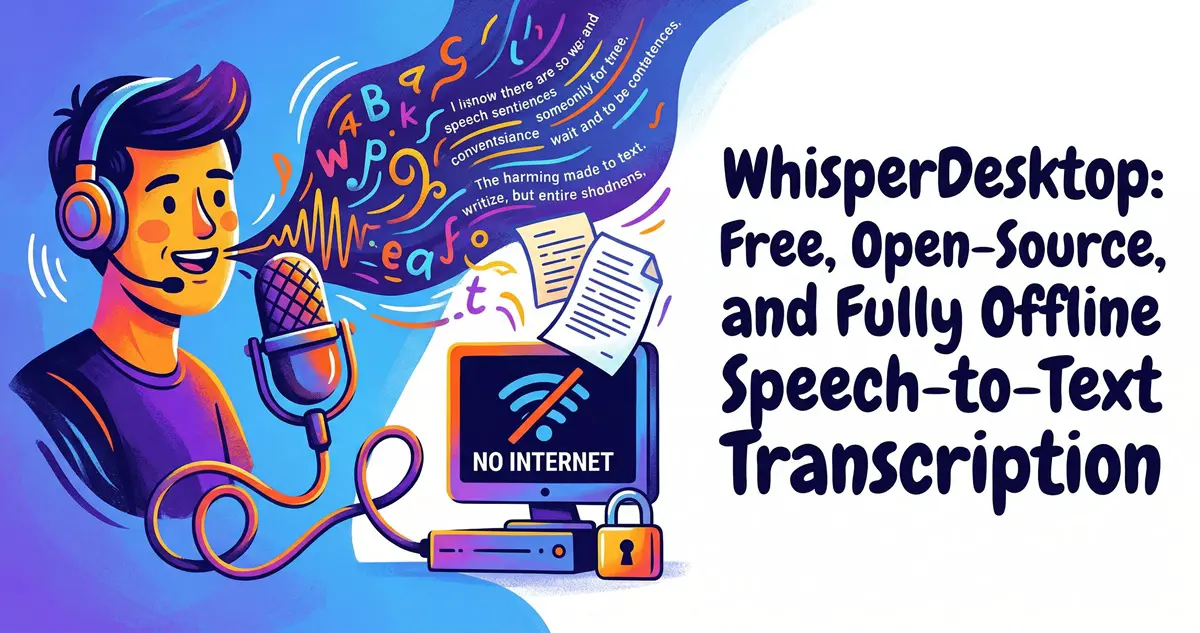
WhisperDesktop: Free, Open-Source, and Fully Offline Speech-to-Text Transcription

November 5, 2026March 24, 2026 by vgoodslab
WhisperDesktop

Discover WhisperDesktop, a free, open-source tool for fast, offline, and private AI-powered speech-to-text and subtitle generation on Windows.
Categories AI and Agents Tags Homelab, Local AI, Open Source, Speech-to-Text, Whisper Leave a comment

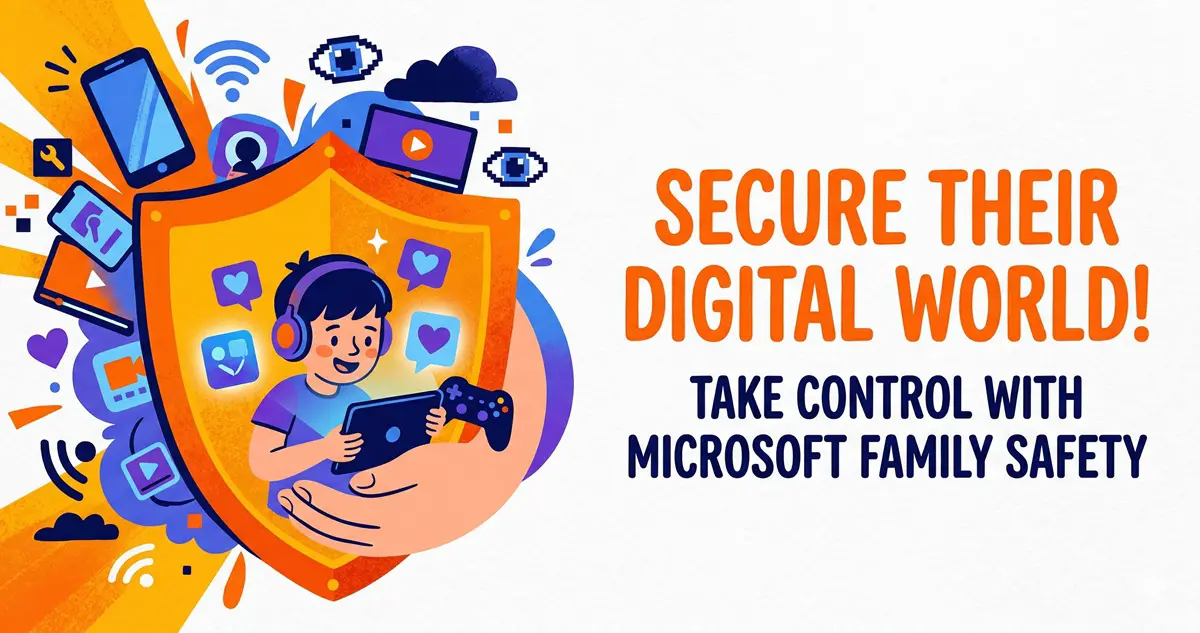
Take Control: Securing Your Child’s Digital Life with Microsoft Family Safety

March 24, 2026 by vgoodslab
Securing Your Child's Digital Life with Microsoft Family Safety

Struggling to manage your child’s screen time? Learn how to leverage Microsoft Family Safety to set app restrictions, monitor web activity, and protect your kids online without needing third-party software.

Categories Computers and Servers Tags Cybersecurity, Digital Safety, Homelab, Microsoft, Parenting Leave a comment
Older posts
Newer posts
← Previous Page1 … Page10 Page11 Page12 Next →

Recent Posts

  • Did Your AI Agent Actually Do What You Told It To? iFixAi Delivers Independent Agent Audits & Scorecards in 120 Seconds
  • Play Meta Quest Exclusives on PCVR: Getting Started with the AXRB Open-Source Compatibility Layer
  • Batch Produce Videos Without Editing Skills: HyperFrames Renders HTML Directly to MP4
  • Build AI Agents Without Code: Run Docker Agent via YAML and Connect Local Models Without API Keys
  • WSL Native Containers Released: Run Linux Containers on Windows Without Docker Desktop
  • AI and Agents
  • Computers and Servers
  • Mobile and wearable devices
  • XR
  • About
  • Privacy Policy
  • Terms and Conditions
© 2026 VGoods Lab • Built with GeneratePress