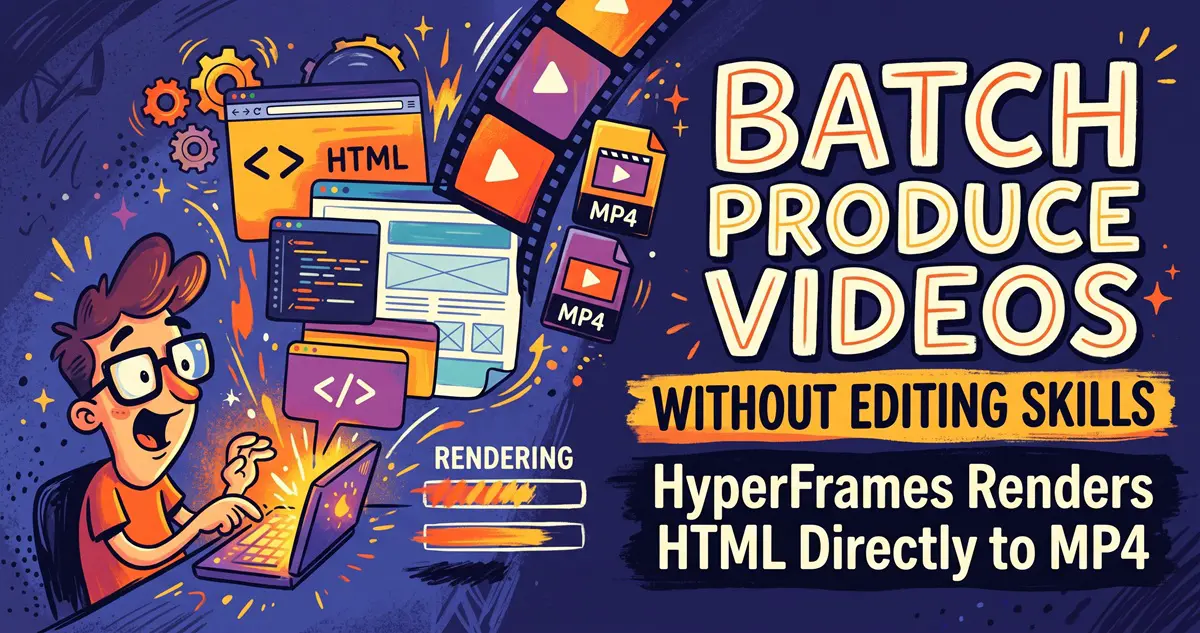
HyperFrames is HeyGen's open-source video framework (Apache-2.0, 59k stars): you write an HTML file, it screenshots frame-by-frame with headless Chrome and encodes a deterministic MP4 via FFmpeg — same input, same output, every time. Built for AI agents and developers who need to batch-produce product intros, covers, and data animations without ever opening a video editor.
In a nutshell: HyperFrames is an open-source video rendering framework by HeyGen (licensed under Apache-2.0, with around 59k stars). You simply write an HTML file, and it uses headless Chrome to take screenshots frame by frame, passes them to FFmpeg for encoding, and outputs a deterministic MP4. The same input always yields the exact same output, making it inherently tailored for AI Agents to churn out videos in bulk.

The Pain Point: Video Production Bottlenecked by Traditional Editors
If you want to create a 10-second product intro, design a dynamic article cover, or turn data charts into an animation, the conventional workflow usually means opening a video editor: dragging timelines, aligning keyframes, exporting, and repeating the process for variations. Batch production makes this even more tedious—when the template stays the same but the text and data change for every single video, manual editing becomes pure repetitive labor.
Another approach is programmatic video generation. Previously, the most prominent tool was Remotion, but it forces you to write React components, configure bundlers, and operates under a source-available license. HyperFrames takes a simpler bet: A video is just a web page tracked along a timeline. Anyone who knows HTML/CSS can build one, and an AI Agent that understands HTML can build it even better.
What Problem Does It Solve?
- A single file equals a full video: A composition is just an
index.htmlfile, using data attributes to describe durations, tracks, and animations. There are no complex build steps; you can preview and play it directly in your browser. - Reproducible rendering results: The engine captures the page state by evaluating specific timestamps frame-by-frame rather than relying on real-time screen recording. As a result, every render of the same input produces identical frames. This is crucial for batch production and automated pipelines—eliminating those mystical bugs where “this exported animation feels half a beat faster than the last one.”
- Direct reuse of the web animation ecosystem: GSAP, CSS animations, Lottie, Three.js, Anime.js, and WAAPI can all be integrated via adapters without needing to learn a proprietary animation syntax.
- Plug-and-play components: The official Catalog provides building blocks like data charts, transitions, and social badges that can be installed instantly via the CLI, saving you from designing every video layout from scratch.
- Workflows designed for Agents: The team provides plugins and skill packages for Claude Code, Codex, Cursor, and Gemini CLI. The Agent handles writing the HTML, running validations, and rendering, while you simply review the preview and give feedback. This shares the exact same toolchain philosophy as claude-mem equipping coding assistants with persistent memory featured previously on this site: letting Agents take over the repetitive chores.
It is already used in production internally at HeyGen, and teams like tldraw and TanStack are also on their adoption list. This isn’t just a personal toy project.
Getting Started: Two Approaches
First, the prerequisites: You need Node.js 22 or higher, FFmpeg, and a headless Chrome instance for rendering (the CLI self-check command will help verify all three). Windows users are strongly advised to run it inside WSL2 for an environment closer to the official test paths. For WSL installation tips, check out our WSL Container Practical Guide.
Approach 1: Let the Agent Handle Everything (Official Recommendation)
Install the plugin in your coding Agent (using Claude Code as an example):
claude plugin marketplace add heygen-com/hyperframes
claude plugin install hyperframes@hyperframesThen, simply state your requirements, such as: “Create a 10-second product intro video with a title fade-in, background video, and subtle background music.” The Agent will propose a design, generate an editable project folder, and launch a local preview. If you aren’t satisfied with the first version, you can tweak it using natural language. If you aren’t using Claude Code, you can install the standalone skill package with:
npx hyperframes skills updateApproach 2: Manual CLI Usage
No global installation needed; run it directly via npx:
# 1. Scaffold a new project from the template
npx hyperframes init my-video
cd my-video

# 2. Open the local preview Studio to tweak as you watch
npx hyperframes preview

# 3. Validate HTML validity before rendering
npx hyperframes lint ./my-video

# 4. Render into an MP4 file
npx hyperframes render -o output.mp4To add ready-made components, use the add command, like adding an animated data chart:
npx hyperframes add data-chartIf your environment acts up, run the doctor command first to see if Chrome, FFmpeg, or Node is missing:
npx hyperframes doctorThe rendering mechanics are straightforward: @hyperframes/engine uses Puppeteer to drive headless Chrome, positioning the page at exact frame timestamps for screenshots, while @hyperframes/producer hands the frame sequence and audio over to FFmpeg for encoding and muxing. Because it locks onto frames instead of doing a real-time screen recording, running it on a slower machine simply means longer render times without frame drops or sync issues.
Hardware Requirements Overview
- Node.js: ≥ 22
- FFmpeg: Required for final encoding and audio mixing
- Chrome/Chromium: Rendering engine dependency, running headlessly
- CPU/Memory: Frame-by-frame screenshotting is CPU-bound; longer videos and higher resolutions consume more hardware resources. It can run without a dedicated GPU—it will just take longer.
- OS: Official development and testing focus on macOS/Linux. Windows users are strongly recommended to use WSL2 (native Windows experience remains unverified).
Let’s be clear: this tool generates “programmatic videos„—layout-driven content like title animations, charts, screencast-style demos, and product introductions. If you need live-action footage or complex narrative editing, traditional video editors and cameras are still the way to go.
Frequently Asked Questions
How do I choose between HyperFrames and Remotion?
Both rely on headless Chrome and FFmpeg under the hood. The main difference lies in their authoring models: Remotion uses React components with a bundler and operates under a source-available license, whereas HyperFrames uses pure HTML files, requires no building step, and is licensed under Apache-2.0 without per-render fees. If you are already deeply embedded in the React tech stack and have a mature collaborative rendering pipeline, Remotion’s cloud distributed rendering is more robust. If you are starting from scratch and want an Agent to do the heavy lifting of video creation, HyperFrames has a lower barrier to entry.
Will rendering results vary across runs?
It is explicitly designed for determinism: the same HTML input yields the same frame outputs. The maintainers heavily rely on this for regression testing, storing a vast suite of benchmark videos in the repository for validation.
Can it handle batch or automated production?
This is precisely its strong suit. The CLI runs non-interactively by default, making it easy to drop into CI pipelines or custom scripts, and there is a ready-to-use path for distributed rendering on AWS Lambda. Local batch rendering performance on consumer hardware hasn’t been extensively benchmarked yet and remains to be seen.
Will Chinese fonts break during rendering?
Headless Chrome font rendering depends on the host system’s font environment. Make sure to install appropriate fonts under WSL/Linux before rendering, otherwise, you might end up with missing glyph/tofu boxes. This is a preliminary caveat—always test with a small sample before running large batches.
Is the version stable?
Development velocity is blazing fast: version v0.8.144 dropped on October 10, 2026, alone. However, since it is still in the 0.x version range, APIs are subject to change. For production projects, it’s wise to pin your dependencies rather than blindly upgrading to latest.
Limitations and Who It’s NOT For
- Not for live-action or narrative editing: It renders code-based layout videos and lacks the tactile timeline fine-tuning of traditional video editing software.
- Learning curve for absolute beginners: The manual route requires HTML/CSS knowledge; the Agent route requires an active subscription to a capable coding assistant.
- Long videos take time to render: Frame-by-frame screenshotting makes it poorly suited for feature-length or dozens-of-minutes-long videos. Short-form and bulk short-form videos are its sweet spot.
- Uncertainties in the 0.x phase: Rapid iteration is great, but it also means tutorials and APIs can age quickly. Pin versions and run sample checks for critical projects.
Is It Worth Trying?
It definitely deserves an afternoon of your time. Here are three reasons why: First, it reduces “video creation” down to “web page creation,” which is precisely what AI Agents excel at. Combined with tools like Agent Reach, which equips AI Agents with internet access capabilities, you can chain everything from gathering resources to video export into a fully automated pipeline. Second, the Apache-2.0 license with zero rendering fees means zero licensing headaches for commercial or batch production. Third, HeyGen uses it internally in production, meaning it’s far from just a demo repo.
Our recommended approach: Don’t jump straight into a mission-critical project. Start by using the Agent route to generate a 10-second sample, and focus on verifying three things: whether local font rendering looks clean, how long it takes your specific machine to render a 1080p short, and whether the preview-to-export consistency matches expectations. Once all three check out, consider integrating it into your content production pipeline.
Project Repository: https://github.com/heygen-com/hyperframes (Apache-2.0)