
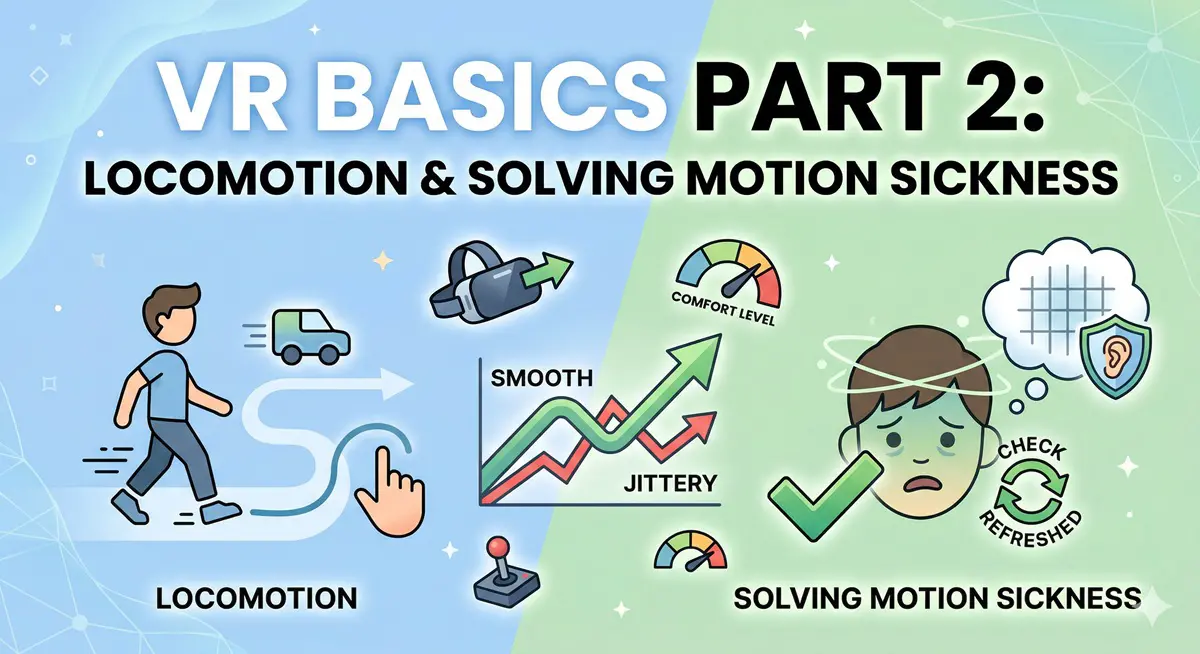
Motion sickness has been a hurdle since the 3D gaming revolution a decade ago: why do some people feel nauseous playing first-person titles?
It boils down to vestibulo-ocular conflict.
Take this VR scenario as an example:
Imagine being strapped to a skateboard, hurtling downhill at breakneck speed.

Your visual system perceives the following movement:

Meanwhile, your vestibular system knows you are just sitting still in a chair:

In simple terms, your eyes tell your brain you’re moving, but your body insists you’re sedentary. Your brain gets confused, and nausea sets in. We won’t dive too deep into human physiology—our goal today is VR, not a biology lecture.
So, how do we make VR comfortable?
1. Since we need ‘vestibular-visual consistency,’ the VR system must match: the data from the IMU (Inertial Measurement Unit) must perfectly sync with the visual output. That’s why you always hear about the need for sub-20ms latency and high refresh rates (60Hz, 90Hz, 120Hz). Once a user enters VR, tracking must be continuous; any hiccup or dropped frame is a recipe for disaster. If you’re running this on entry-level mobile hardware, it’s better to drop to black than to stutter. Even so, perfect sync remains an elusive goal for current tech.

2. The alternative is decoupling the vestibular system from vision. Shutting your eyes works, but that defeats the purpose of ‘Virtual Reality,’ doesn’t it? The only real way to hack the system is to dampen the vestibular response—essentially, ‘decoupling.’ You can’t just cut the feedback loop, or you’d lose your balance entirely. This often involves physiological suppression, like taking anti-nausea medication.
To summarize, VR-induced nausea is caused by a laundry list of factors: low frame rates, stuttering, acceleration, art style, texture complexity, and lighting. One of the most significant variables is how the player moves, which brings us to the importance of spatial tracking tech.
Let’s analyze common VR locomotion methods.
1. Joystick/Controller Movement
Using a thumbstick is familiar to PC gamers, but in VR, it’s a one-way ticket to motion sickness. Moving in-game without moving your head, or using a button to ‘crouch,’ creates intense cognitive dissonance. Even seasoned VR pros rarely last 15 minutes without feeling a pressure-like headache, especially when approaching virtual walls. It’s generally discouraged.

2. Teleportation
Currently the gold standard for VR RPGs like Vanishing Realms. By fading the screen to black during jumps, it effectively minimizes nausea. The downside? You lose the sense of physical traversal, and it’s easy to get disoriented in combat. Combining teleportation with Room Scale for smaller adjustments remains the most effective locomotion strategy today.

3. Jumping
Games like Sairento VR use this approach, which is similar to teleportation but shows your trajectory. It often includes ‘bullet time’ effects to keep the flow fast, but it’s still fairly taxing on the vestibular system.

4. Vehicles
Surprisingly, racing games in VR are less nauseating than one might expect. Why? Your brain effectively ‘tricks’ the vestibular system because you are in control of the vehicle. Much like how passengers get carsick while the driver doesn’t, active control reduces the nausea factor significantly.

5. Hand Gestures
Titles like The Climb or VINDICTA (running by swinging your arms) aim to sync visual movement with physical effort. It’s not perfect, but it’s a clear improvement over thumbsticks, suggesting that physical mimicry can mitigate sickness. Hand tracking is only going to get better with platforms like Oculus Quest.

6. Room-Scale Tracking
As covered in our previous post, VR Basics Part 1: Spatial Tracking, this is the most natural way to move. However, your living room is only so big, so it’s usually relegated to local dodging or used in tandem with other locomotion methods.

7. Virtuix Omni VR Treadmill
This allows for infinite walking in a small physical space—think Ready Player One. Building a treadmill that accurately tracks and responds to human gait in real-time is incredibly difficult due to latency. If the belt response isn’t instant, you fall over. Most designs use a ‘dish’ shape with low-friction shoes so you slide back to center. It’s a great concept, but the ~$1,500 price point makes it prohibitive for most home users.

8. Zero Latency (Warehouse-Scale VR)
This is the ultimate experience. By using massive physical arenas with hundreds of optical tracking cameras, players move naturally. Because real-world motion matches virtual motion 1:1, there is zero motion sickness. It’s incredible, but entirely impractical for anything other than commercial entertainment centers.

Final Thoughts:
There is no ‘one size fits all’ for VR locomotion. Games like Superhot or Job Simulator avoid the issue entirely by locking the player in place. Everyone’s tolerance is different, and often, your brain will adapt over time. If you’re a VR newcomer, start with low-intensity titles and work your way up. Are we heading for Matrix-style neural interfaces? Who knows!